
Never used to train AI
Your Teams conversations are yours. Meetbook never uses your recordings, transcripts, or Microsoft 365 data to train AI models.

 SOC 2 aligned · GDPR-ready
Meetbook connects to your Outlook calendar, detects every meeting link..

Three steps from Outlook calendar to complete meeting intelligence.
OAuth with Microsoft 365. Meetbook syncs and detects Teams links.
Meetbook Notetaker joins your Teams call and starts recording.

AI transcribes, summarizes, extracts action items.

Built for the Microsoft 365 ecosystem.
Link your Outlook. Meetbook automatically captures every Teams meeting link.

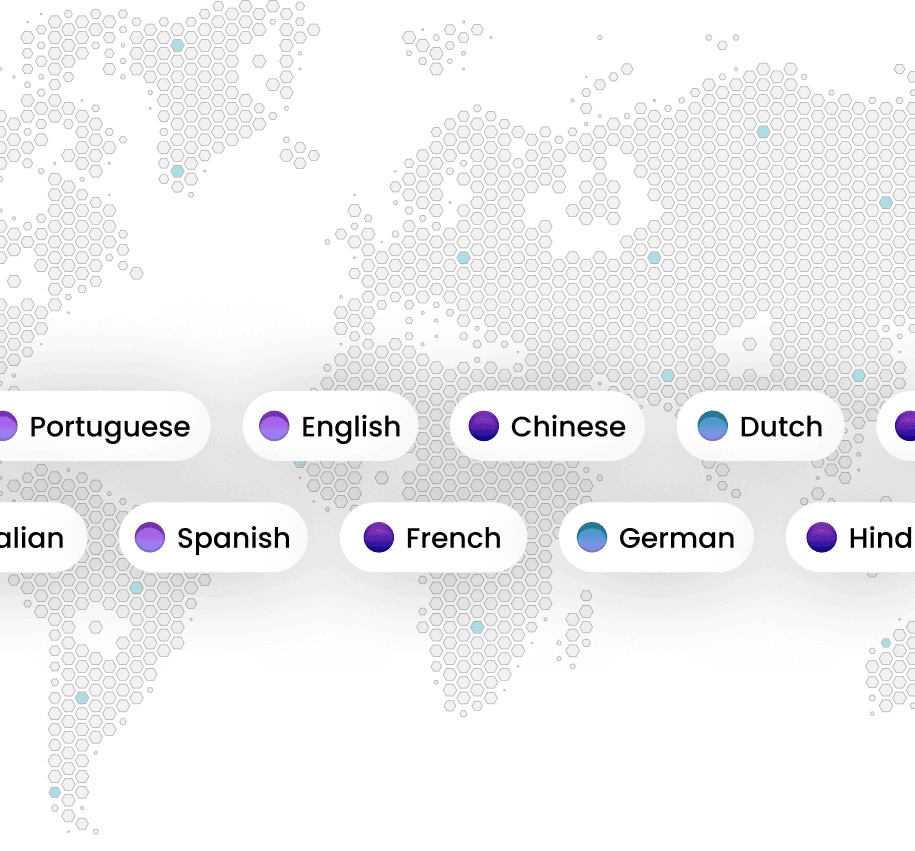
Real-time transcripts stream in 99+ automatically detected languages.
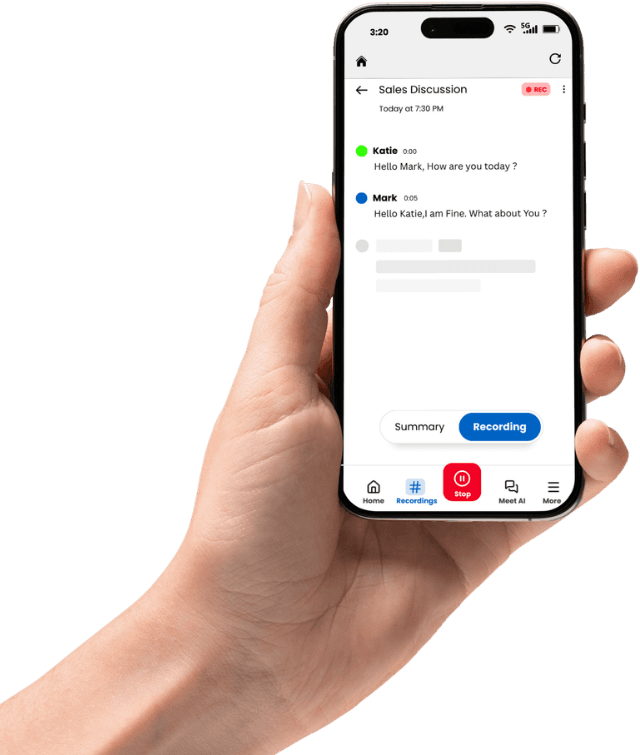
Automatic speaker identification. Name attendees once, and Meetbook remembers them forever.
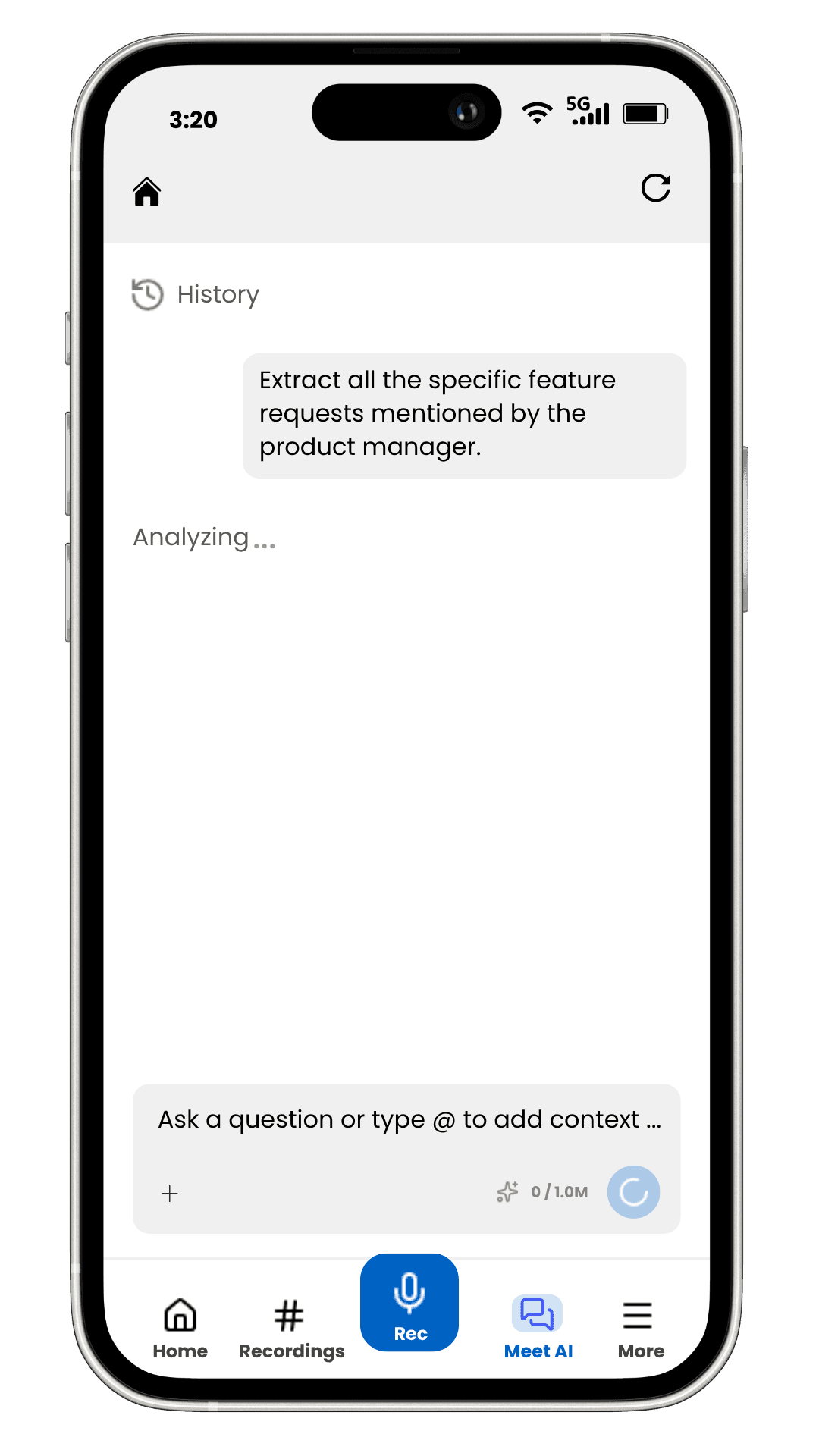
"What was the Q3 budget decision?" MeetChat answers with cited timestamps from every past Teams recording.
Export structured meeting notes, action items, and transcripts to DOCX, PDF, TXT, and SRT.
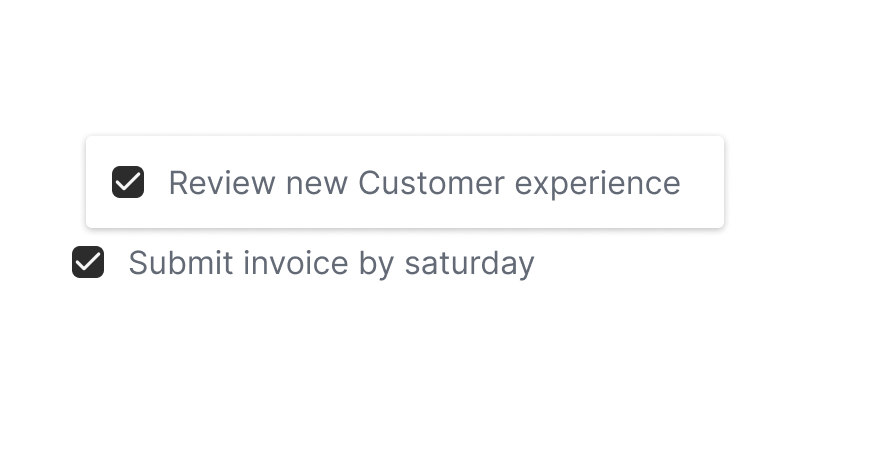
Send meetbook notetaker to join from your Outlook calendar or record in one click.
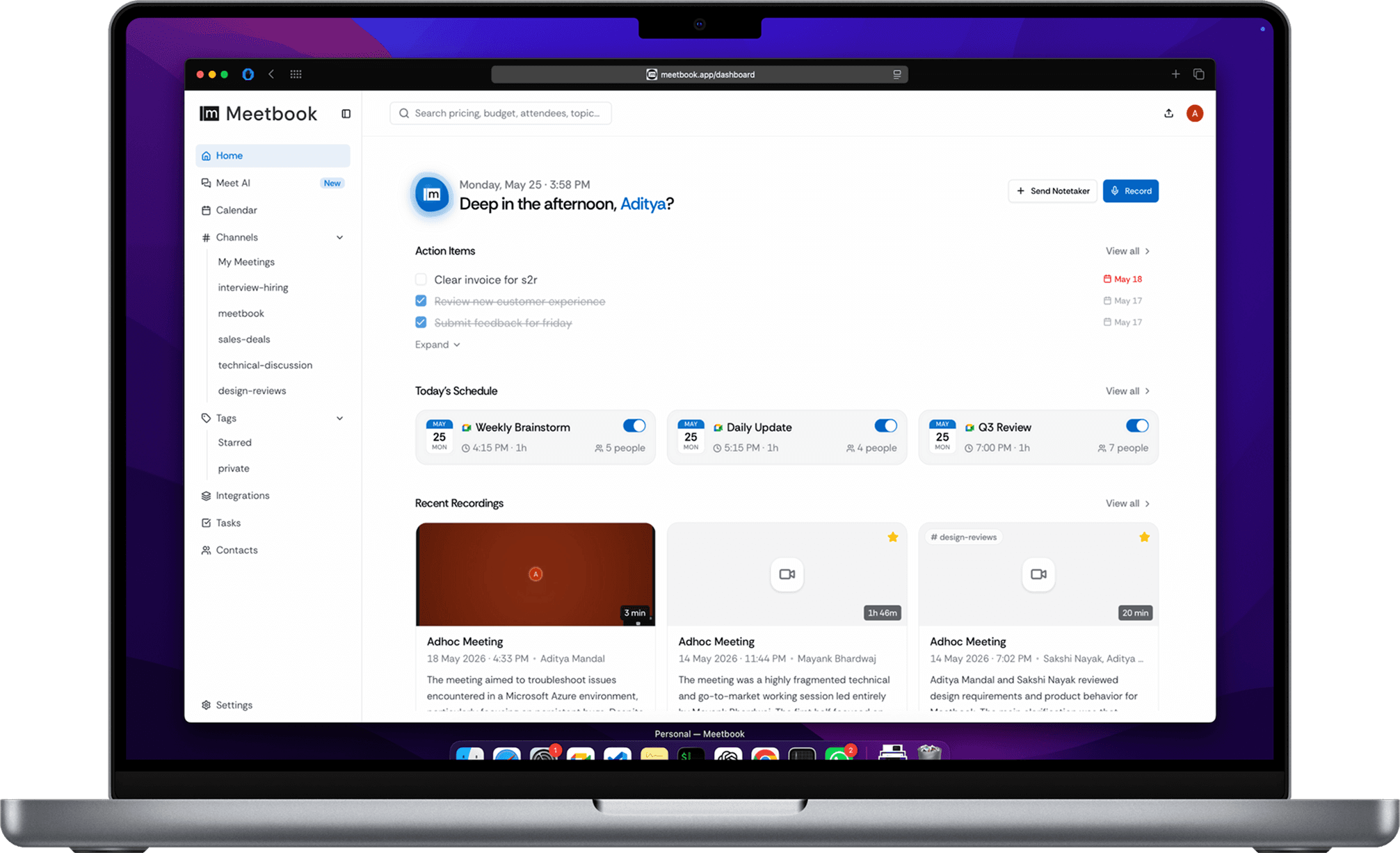
Hands-free. Connects to your Outlook calendar and joins automatically.
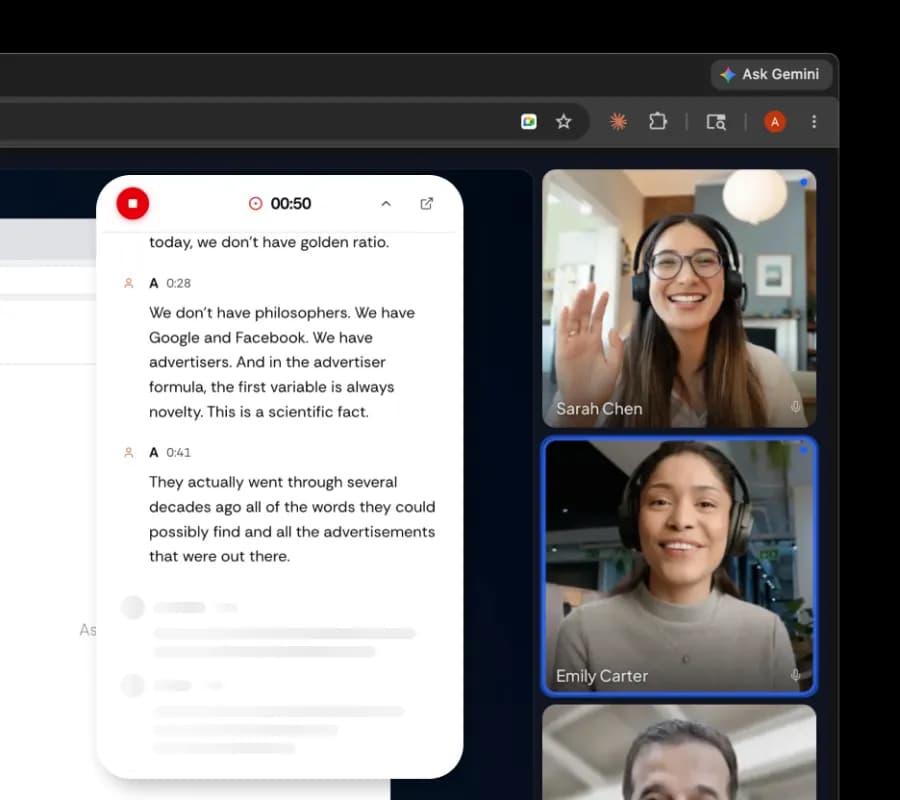
Chrome extension. Works on Teams web app, no bot needed.
Every role gets exactly what it needs from every Teams meeting.
Start free and upgrade only when your team needs more. No hidden fees, cancel anytime.
Real teams, real results. See how they ship faster and never miss a follow-up.

“Our handoffs between sales and engineering used to be a game of telephone. Now, the engineering team just reviews the Meetbook summary. No missed details, no second meetings.”
Aris Thorne
VP of Product, Supabase
“I completely stopped writing action items manually. The AI picks out the precise deliverables before the Zoom window even closes.”
Chloe Tan
Customer Success Lead, Vercel
“Skipped a 9 AM status sync, skimmed the transcript at 10, and unblocked my team instantly.”
Liam Gallagher
Product Manager, Attio
“Our legal review calls are brutal, but having a flawless searchable record saved us hours of back-and-forth this quarter.”
Elena Rostova
General Counsel, Retool
Recordings, transcripts, and Microsoft 365 tokens stay encrypted,
scoped, deletable, and never used to train AI.
Your Teams conversations are yours. Meetbook never uses your recordings, transcripts, or Microsoft 365 data to train AI models.
SOC 2 aligned · GDPR-ready
Every Teams call, transcript, and AI summary is encrypted in transit and at rest with enterprise-grade practices.

Calendar access is read-only for meeting detection. Bot has no access to your email, OneDrive, SharePoint, or Teams channels.

Remove any recording, transcript, or AI summary permanently. Whenever you want
Read our privacy policy and terms of service.
Auto-join, privacy, pricing, Microsoft 365 — everything you need before you connect your Outlook calendar.
Connect your Outlook or Microsoft 365 calendar via OAuth. Meetbook auto-detects every Teams meeting link. At meeting time, an AI bot joins your Teams call, records audio, transcribes in real-time with speaker diarisation, and generates a structured summary with action items and key decisions. Everything is delivered within ~2 minutes of the call ending.
Yes, the Free plan includes 300 minutes/month of AI recording for Teams calls — transcription, AI summaries, and Ask AI included. Pro ($13.99/mo) adds HD recording, OneNote/SharePoint export, integrations, and Second Brain memory. Business ($24.99/mo) adds custom AI agents, CRM auto-sync, Azure AD SSO, and unlimited Teams channel support.
Yes, a visible AI participant joins your Teams call. All attendees see it in the participant roster. The bot records audio only — no video or screen sharing. You can remove it at any time. For no-bot recording, use the Meetbook Chrome Extension with Teams web app.
Yes. Live transcription streams during your Teams call so you can follow along in real time. After the meeting ends, the AI summary, action items, and full transcript are delivered within ~2 minutes. You can also search across all past transcripts from your Meetbook dashboard.
Yes. Meetbook integrates natively with the Microsoft 365 ecosystem: Outlook Calendar for meeting detection, OneNote and SharePoint for auto-saving notes, Word for document export, and Teams channels for sharing summaries. Works with both personal Outlook.com and enterprise Microsoft 365 accounts.
No admin permissions required for the Free or Pro plan. Simply connect your Outlook calendar via OAuth. For Business/Enterprise plans with Azure AD SSO, a one-time admin consent is needed for the SSO integration. The bot joins Teams meetings as a guest — no tenant-wide app installation required.
Teams Premium with Copilot provides basic AI recap and transcription, but requires a paid Microsoft 365 license and only works during the meeting. Meetbook adds: automatic bot join (no manual start), speaker identification, RAG-powered chat across ALL past meetings, Second Brain persistent memory, 40+ domain-specific AI apps, pre-meeting briefs, a rules engine, and project tracking with citations. Plus Meetbook's Free tier works with ANY Teams account — no Microsoft 365 license needed.
Yes. Meetbook detects Teams channel meetings from your Outlook calendar just like any other meeting. The bot joins the channel meeting as a guest participant. Channel meetings are supported across all plans.
Recordings and transcripts are stored encrypted in cloud storage. Accessible from your Meetbook dashboard. Can be auto-saved to OneNote or SharePoint if configured. You control retention policies and can delete data permanently at any time. Enterprise plan includes dedicated infrastructure and data residency options.
Yes! As long as the Teams meeting appears on your Outlook calendar (or you have the meeting link), Meetbook can join and record it. You don't need organizer permissions or tenant admin rights. The bot joins as a guest participant.
Meetbook captures every call and writes your notes, decisions, and action items automatically.